Convert Video to MP3 Online
Extract studio-grade 320kbps MP3 audio from any video instantly. Ultra-fast, 100% free, and completely private — convert unlimited files with no sign-up.
Video to MP3 Converter
MP4, MOV, MKV, AVI, WebM and more → MP3
Loading converter…
How MediaConvertKit Works
Watch our 22-second video walkthrough or follow the step-by-step visual guide to convert video to MP3, MP4 to MP3, audio, and images in 4 simple steps.
📝 View Video Transcript & Audio Description▾
Video Overview (0:00 - 0:03): Welcome to MediaConvertKit. Learn how to convert video to MP3, MP4 to MP3, audio, and media files online for free in 4 simple steps with studio-grade 320 kbps fidelity.
Step 1 (0:03 - 0:07): Select and drop your source media file into the converter box. Supports MP4, MOV, MKV, AVI, WebM, WAV, FLAC, and over 100 media formats.
Step 2 (0:07 - 0:11): Choose your output audio quality. Pick 128 kbps for compact speech and podcasts, or select 320 kbps studio master quality for crystal-clear acoustic fidelity.
Step 3 (0:11 - 0:15): Click “Convert to MP3”. Our high-speed processing engine extracts and converts audio in seconds with zero waiting queues.
Step 4 (0:15 - 0:22): Listen to the converted audio preview directly in the player and click “Download MP3” to save your file instantly. 100% free, unlimited, and confidential.
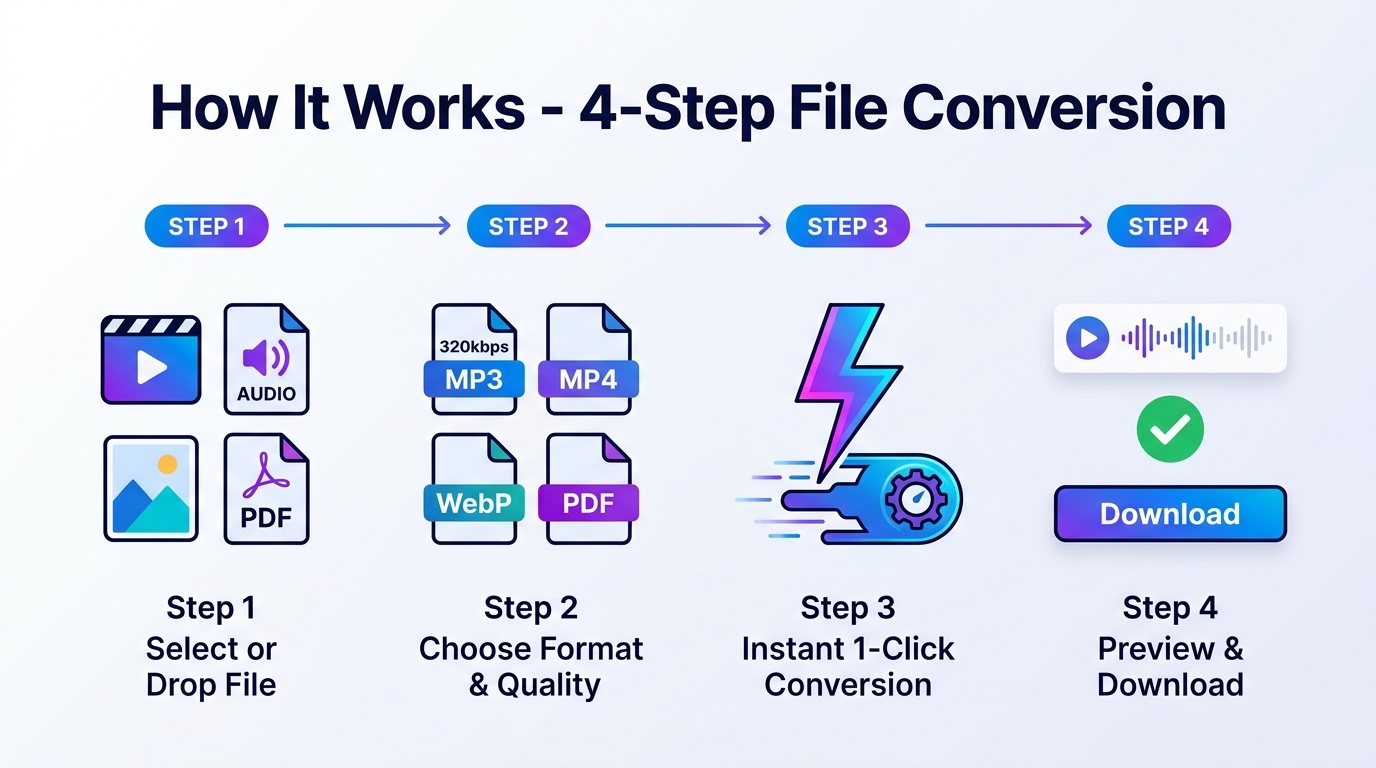
How to Convert Video to MP3
- 1
Select your file
Select your video or audio file — supports MP4, MOV, MKV, AVI, WebM, and dozens more.
- 2
Choose audio quality
Pick 128 kbps (compact), 192 kbps (standard), 256 kbps (high-def), or 320 kbps (studio master).
- 3
Instant 1-Click Conversion
Click Convert. Our high-speed processing engine extracts and encodes pristine audio in seconds.
- 4
Preview & Download
Listen to your converted MP3 instantly with our direct player, then click Download to save.
Why Choose MediaConvertKit?
Lightning-Fast Speed
Conversions start immediately with zero queue delays. Experience instant turnaround times.
Studio-Grade 320kbps Audio
Extract pristine acoustic quality preserving the full dynamic soundstage of the original recording.
100% Safe & Confidential
Your personal media files stay strictly confidential with guaranteed bank-grade privacy.
Unlimited & 100% Free
No subscriptions, no hidden fees, no daily caps, and no watermark on your files.
Popular Converters
Fast. High quality. 100% free.
High-Speed Media Converters for Every Format
Explore our full suite of professional conversion tools optimized for maximum fidelity, rapid conversion, and effortless sharing.
Video Converters
Audio extraction & video transcoding
Audio Converters
Universal bitrate & format converter
Image & PDF Tools
Fast graphic and document suite
Why Choose MediaConvertKit?
Fast, private, and free — every time.
Lightning-Fast Speed
Direct high-speed processing with zero waiting queues. Start converting immediately after selecting your file.
Studio-Grade Quality
Select crystal-clear audio bitrates up to 320 kbps and lossless video preservation for maximum fidelity.
100% Free Forever
No subscription, no credits, and no hidden fees. Every single converter on MediaConvertKit is completely free.
Unlimited Conversions
Convert as many files as you want with no daily limits, file count caps, or annoying cooldown timers.
Bank-Grade Confidentiality
Your media is processed with strict privacy and security guarantees. Files are never stored, logged, or shared.
Universal Device Support
Works seamlessly across iPhone, Android, Mac, Windows, and Linux — no software installation or apps required.
Guaranteed Security & Data Privacy
MediaConvertKit utilizes state-of-the-art secure processing technology. Your files remain 100% confidential and safe at all times, with zero risk of unauthorized access or data exposure.
All File Converter Categories
Lightning-fast, studio-quality file tools — 100% free, unlimited, and private.
Video Converters
30 tools
Audio Converters
24 tools
Image Converters
22 tools
GIF Tools
17 tools
PDF Tools
27 tools
File & Archive Tools
10 tools
Frequently Asked Questions
- Simply drop your video file onto the converter box above (or click "Choose File"), select your preferred MP3 quality (up to 320 kbps studio master), and click "Convert to MP3". Your high-fidelity audio is ready to preview and download in seconds.